4.10 Rapid Aerodynamics: Component-Wing
Not currently supported
The current system does not support a component-specific Rapid Wing simulation. A Rapid Wing project cannot be created or solved from the component workflow.
Current availability
Rapid Aerodynamics currently supports the following project types:
The Rapid Wing entry remains in this guide only to make the current product boundary explicit and to prevent outdated wing-setup instructions from being mistaken for a supported workflow.
Run screen reference
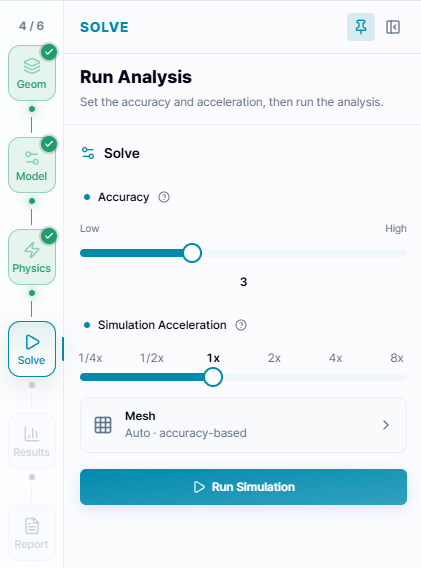
The run screen above is used by supported rapid-aerodynamics workflows. Component-Wing analysis itself is not currently available.
Choose the supported workflow
Use the simulation type that matches the result you need:
- For viscous wing aerodynamics, pressure, velocity, lift, and drag, use Fluid Wing.
- For wing deformation, displacement, stress, and safety factors, use Structural Wing.
- For a closed STL body that includes wing-like geometry and only requires the supported body-level rapid workflow, use Rapid Body-Only. This is not equivalent to a component-specific wing analysis.