From results to a finished report, written by AI
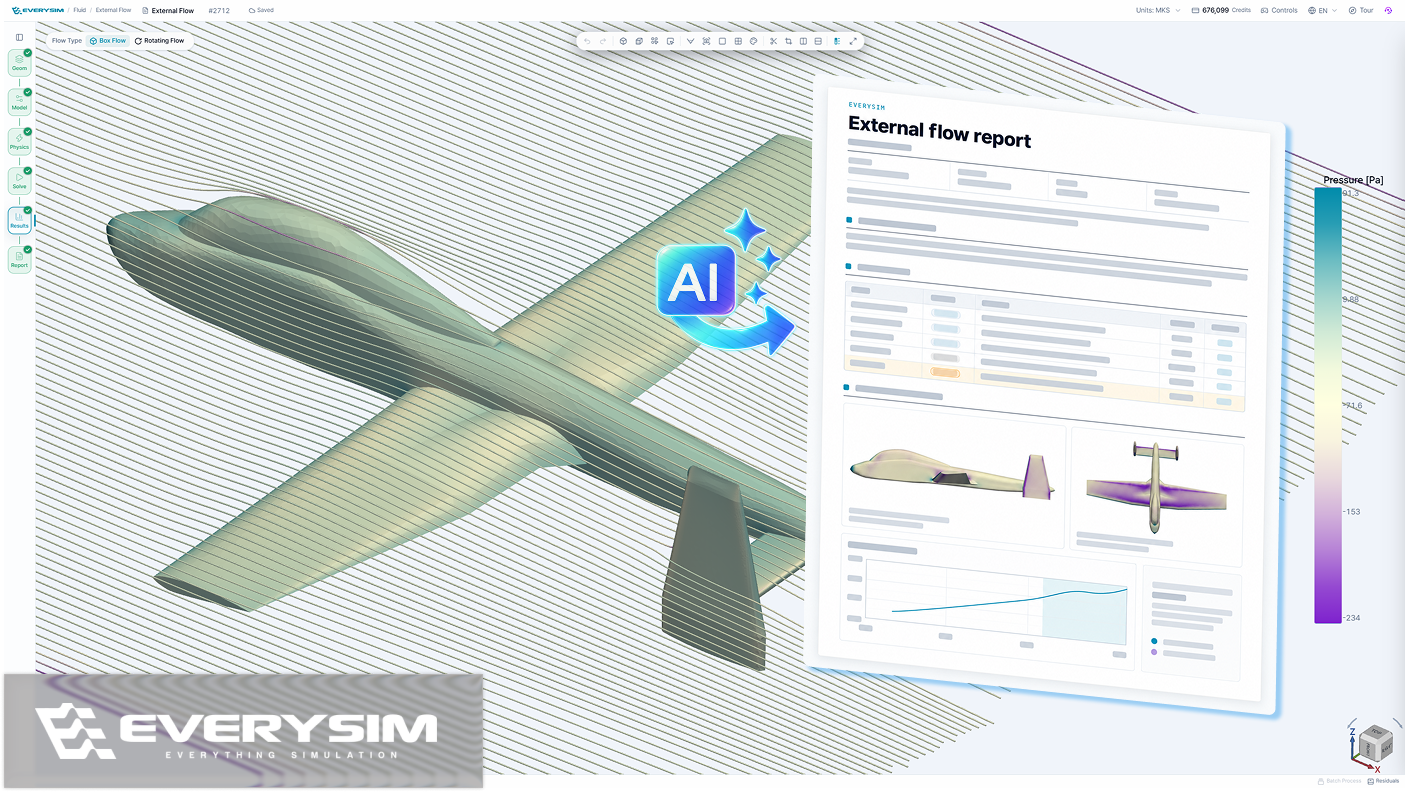
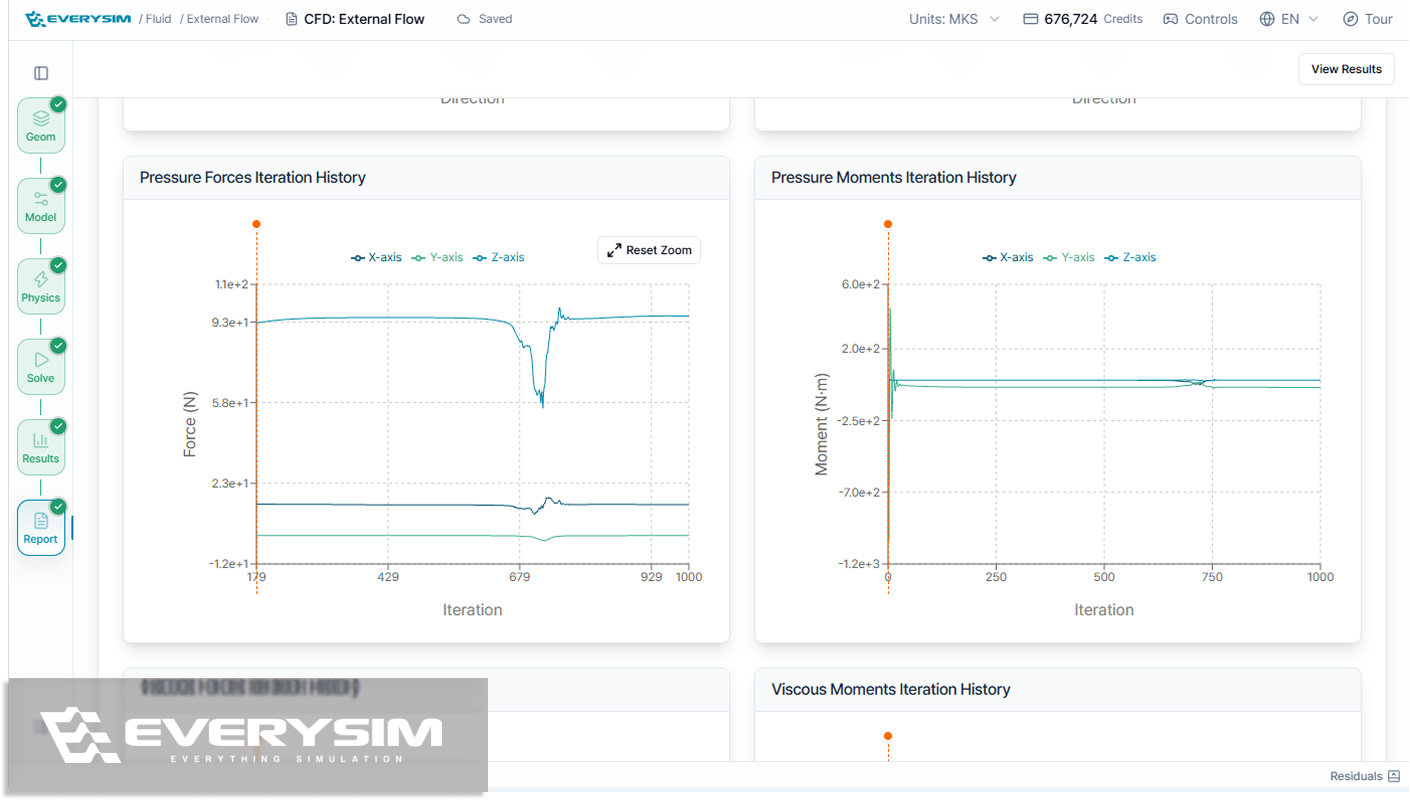
EverySim now writes the report for you. AI analyzes your results in detail and produces a full, professional-quality document: the key findings, the figures that support them, and the points you should check first. It also states the scope of the analysis, so readers know exactly what the results cover. Save it as a PDF and share it as is.
Show all 9 changesHide changes
Added
- Batch simulation, which runs several values of flow speed or RPM at once, with the Batch Monitor for progress and residuals and the Batch Comparison report across conditions.
- AI report, where AI analyzes your results in detail and writes a full, professional-quality report with findings, figures, and points that need attention, ready to save as a PDF.
- Ground flow analysis, with a new Ground preset that simulates vehicles and other shapes sitting on the ground, with no extra settings.
Improved
- Tutorials that guide you step by step and highlight the exact controls to use, so you land a successful simulation while learning the workbench.
- IGES import that joins surfaces into solids automatically and shows any gaps before you run, so you fix them up front instead of finding out from a failed mesh.
- A view cube with arrow buttons that rotate the view in 90° steps, and ⌘+drag rotation on Mac.
- Heavy geometry processing now runs on our servers, so the workbench stays light and responsive in your browser.
- Sample models open instantly.
- The workbench now works in Safari.
Start with a ready-to-run example
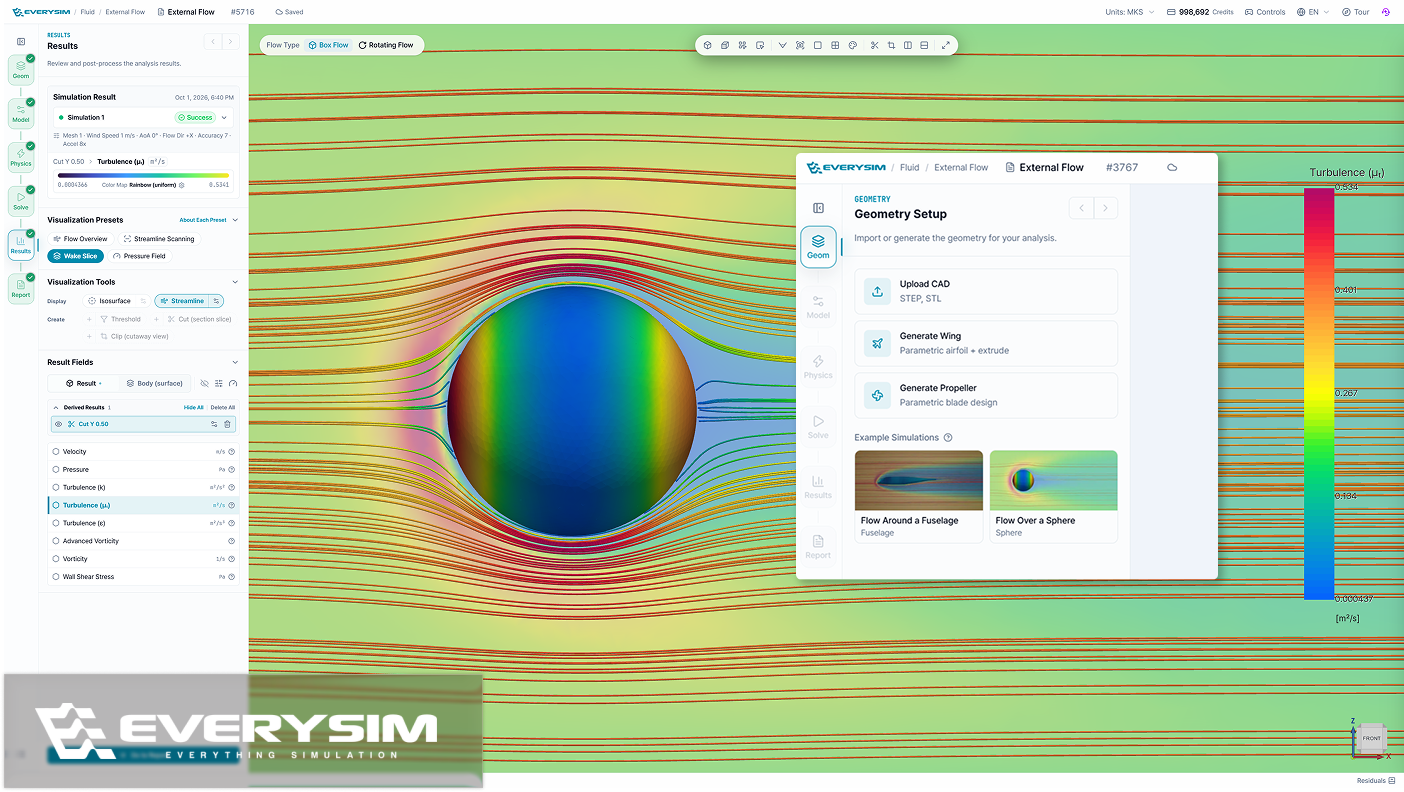
Every analysis type now comes with example simulations. Pick one at the Geometry step, and EverySim loads the model, applies the setup and takes you to the Solve step, so you can run a full case end to end before preparing your own model.
Show all 9 changesHide changes
Added
- Example simulations for external flow, rotating flow, Vortex, static structural, modal and transient structural analysis, with geometry and setup predefined.
- Recommended actions for failed runs. Each failure is classified by cause, with buttons to jump to the step that needs fixing, raise Accuracy, or rerun.
- Mesh and run cards now summarize the settings they were generated with.
Improved
- Redesigned static and transient structural reports. They lead with max displacement, von Mises and Tresca stress, and factor of safety, followed by result images and charts. Transient reports show each result at the time step where it peaks.
- Reorganized mesh quality report, so you can check the quality of the mesh used in your simulation at a glance.
- Earlier divergence detection in CFD simulations. Diverging runs are caught and stopped earlier.
- Faster mode shape image generation in modal reports.
- Clearer, more consistent terminology across the app.
Fixed
- Color and opacity set from the right-click menu now apply only to the selection. Coloring a face affects only that face, and making a part transparent no longer affects other parts.
Broken CAD, fixed where you upload it
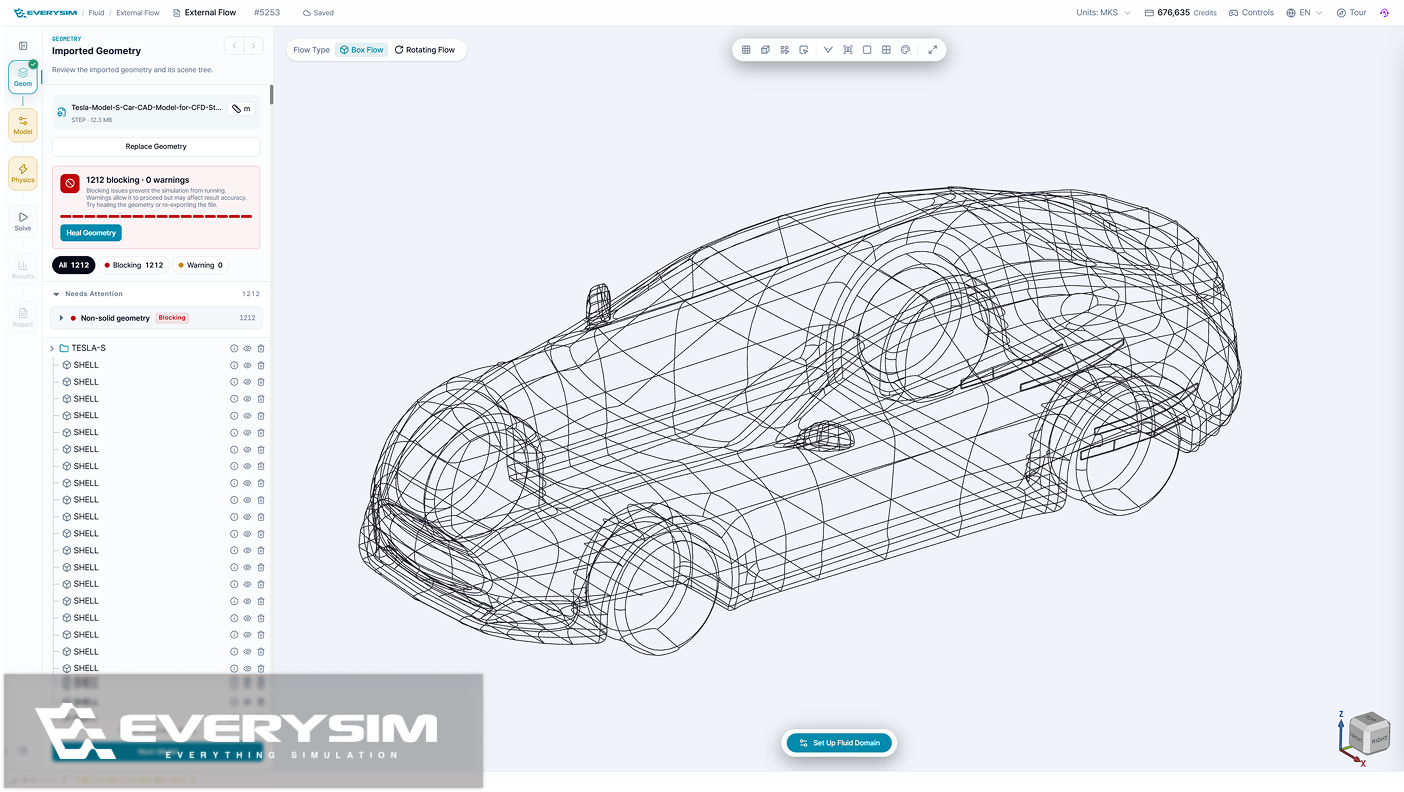
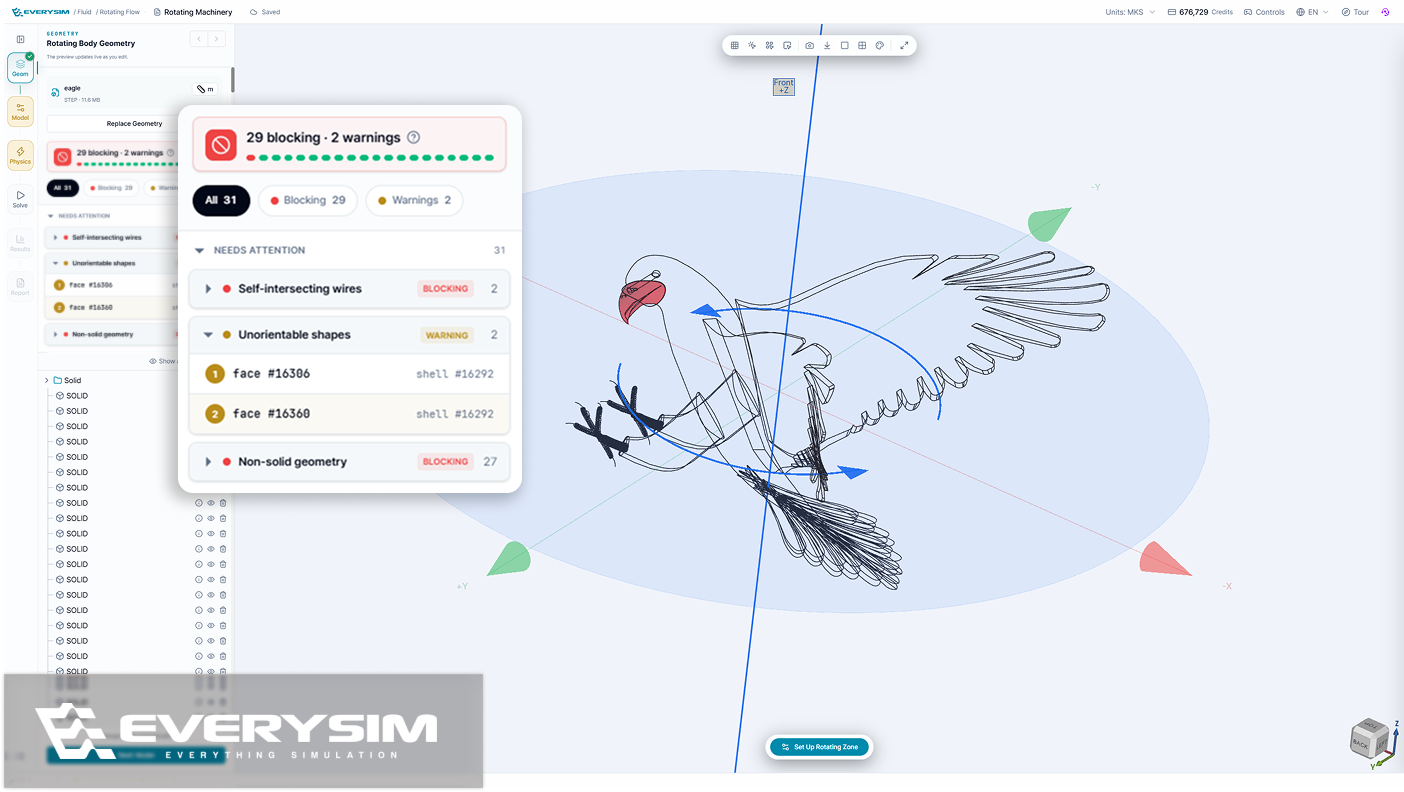
EverySim now checks your CAD file the moment you upload it, so you find out which parts have problems before you set anything up. Heal Geometry then fixes them for you — no trip back to your CAD tool — and tells you how many it fixed.
Show all 17 changesHide changes
Added
- Heal Geometry, which fixes a CAD file that came in broken, so you can keep working instead of going back to your CAD tool.
- A probe tool in structural analysis, for reading result values by hovering over the model.
- Play and replay static structural and modal results, to watch the model deform or a mode shape move.
- Project groups in the project view, to keep related work together.
- Colors by material, so you can see at a glance which material each part was given.
- Speed as an input in the flight-time calculator, with each result now showing how it was worked out.
- A view-only dashboard on phones, for looking through projects whose results are ready.
Improved
- A redesigned results panel with presets, tools, and fields together for faster, more effective result viewing.
- An easier-to-read geometry check — problems are listed by part, serious ones are kept apart from minor ones, and clicking one takes you straight to it on the model.
- Multi-part CAD files come in as separate parts, and each one meshes.
- Changing the unit system updates every value on screen — setup, results and reports.
- What each run cost, in the Jobs list — the credits it used, the project it belongs to, and how many runs match the filter you are looking at.
- A workbench optimized for tablets, so you can set up and run a simulation on a touch screen.
Fixed
- Overall UI/UX fixes across the dashboard, settings and reports — filters, counts, labels, dates and wording now read correctly.
- Setup holds on to your work and catches more mistakes: switching language keeps your workspace and the values you entered, a body left outside the fluid domain is caught before the run starts, and signing up follows the password rules it shows.
- Result views stay readable — the color bar title stays on screen, and the residuals chart keeps clear of the setup panel and the Run button.
- Vortex's Combined speed now includes the propeller tip speed.
Mode shapes, now in a report
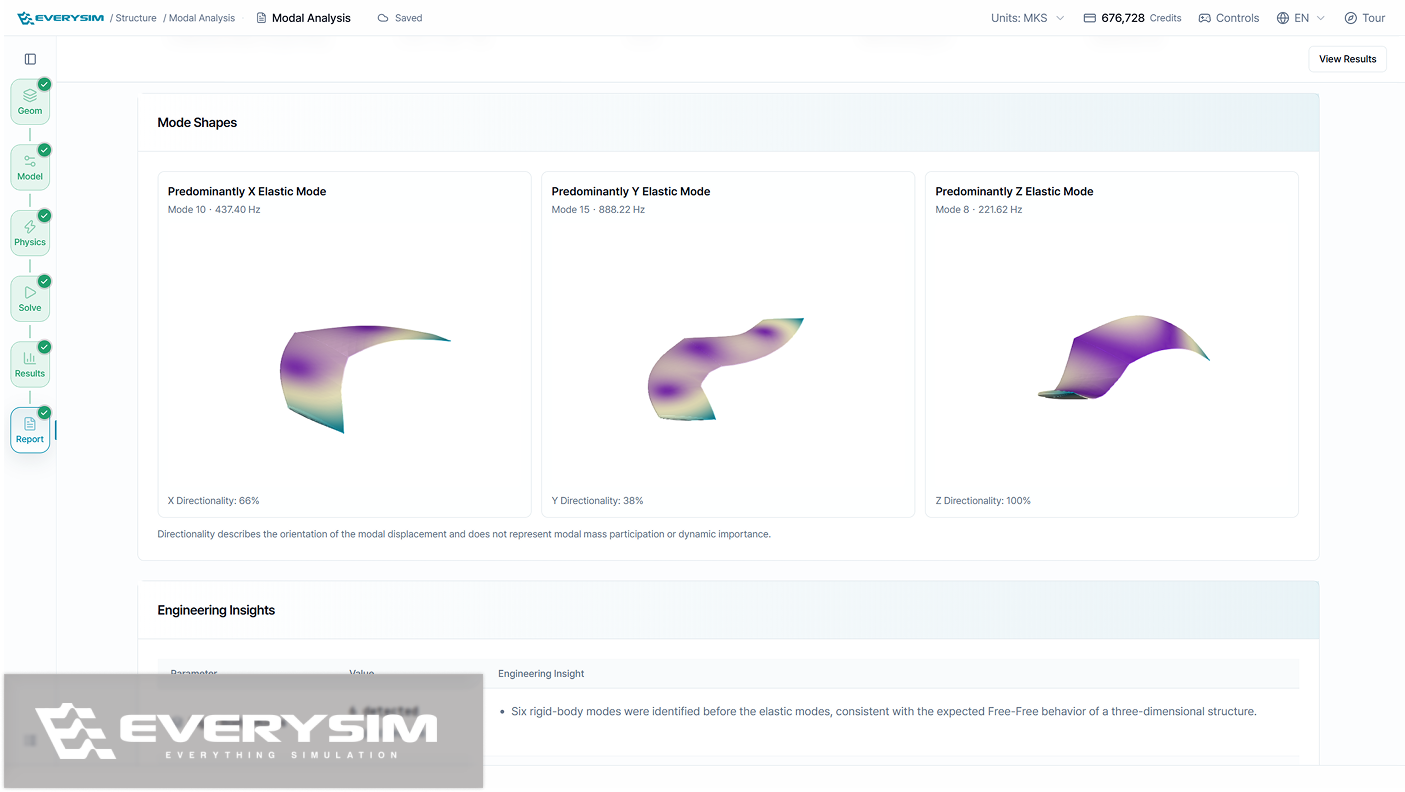
Modal Analysis now ends in a report, with every mode shape drawn on the model and the mass moving in each direction listed beside it. Structural setup gains displacement as a load and constraints that hold only the axes you choose.
Show all 12 changesHide changes
Added
- A Modal Analysis report, showing each mode shape on the model along with how much mass moves in each direction.
- Displacement as a load in structural analysis, and constraints that hold only the axes you pick while leaving the rest free.
- Sweeping streamlines, which travel across the whole region instead of staying on the same lines.
- Propeller size entered as a number, with the unit you designed in kept as it is.
Improved
- Onboarding that runs on the real tutorials, showing how far you have come and letting you pick up from the dashboard where you left off.
- A range slider in the color map panel, for setting the value range you want to see.
- Fewer steps to start a Vortex simulation, with a simpler CAD upload screen.
- Reorganised view controls, making navigation and display options easier to find.
Fixed
- Fixed selection falling out of sync between the geometry tree and the 3D view, and added deletion by right-click in the tree.
- Fixed a stationary body made of several solids that would not mesh.
- Fixed the workbench freezing while meshing and solving progressed.
- Fixed blade surfaces that did not follow the section curves smoothly on a generated propeller.
Geometry problems, found before you mesh
Imported models are now checked before meshing, with everything that needs attention listed part by part and pointed out on the model. Modal Analysis adds a free-free option, and a rotating flow simulation can include a stationary body beside the spinning one.
Show all 7 changesHide changes
Added
- A geometry check for imported models, run before meshing and listing every part that needs attention, separating the defects that would stop a simulation from the ones only worth a look, highlighting each one on the model and repairing most in a single step.
- Free-Free in Modal Analysis, for the natural frequencies of a part that is not held in place, with the number of modes and the frequency range set in the same panel and rigid body modes reported alongside the rest.
- A stationary body in Rotating Flow simulations, so a spinning propeller and a fixed part beside it are solved together — the body is positioned directly in the 3D view, with a warning if it overlaps the rotating zone or reaches past the fluid domain.
Improved
- Clearer names and descriptions for Vortex results — body surface, blade lattice, wake, and vortex particles are each named for what appears on screen, and every result explains what changes in the view when you select it.
- Answers in the support chat itself, where the assistant handles common questions on the spot and hands anything left over to a person with the conversation so far attached, so nothing has to be explained twice.
- Tidier boundary condition markers in the view, with one color per type matching the panel, good contrast on light and dark backgrounds, and markers that follow along as direction and magnitude are entered.
- Mesh quality analysis opens right away, with no waiting.
A characteristic length you define yourself
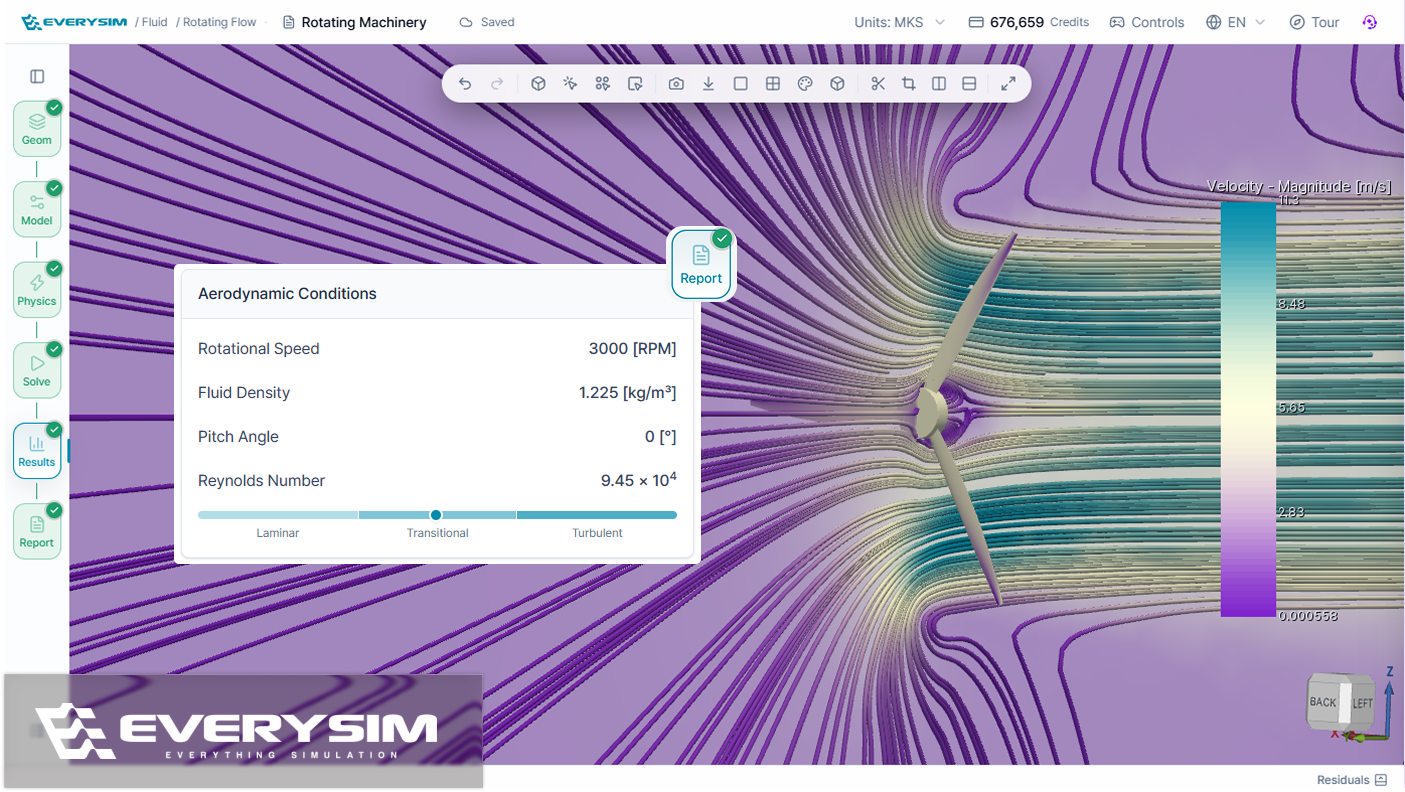
Reference dimensions can now be set explicitly in Geometry setup in fluid simulations, so force coefficients and the Reynolds number are computed against the length that actually matters for the design — a blade chord rather than the whole propeller diameter — and the report says outright whether that flow comes out laminar, transitional, or turbulent.
Show all 10 changesHide changes
Added
- Reference dimensions in Fluid setup, set explicitly for force coefficient and Reynolds number calculations, with the report indicating whether the flow is laminar, transitional, or turbulent.
- AI Assistant result reading, so forces, coefficients, and averages from completed Fluid or Vortex simulations can be asked for directly in chat without opening the report.
- Saved mesh cross-sections, which keep cut or clip planes visible after repositioning and give each saved section its own visibility control.
- A thin-region warning in structural meshing, raised when a thin region is resolved with only one element through the thickness, recommending quadratic elements for more reliable results.
Improved
- Sidebar visualization controls split into Tools and Presets, keeping one-click presets distinct from individual visualization tools.
- Point rendering for Vortex results, along with a lighter default color preset for faster visualization.
- A rebuilt Static Structural tutorial, built around a tensile specimen with realistic loads, material properties, and more accurate step highlighting.
- Faster opening of large simulation results.
Fixed
- Fixed streamlines being clipped when the fluid volume was hidden.
- Fixed the camera resetting when focus moved between panes in split view.
Reports you can explore directly
Report graphs are now interactive, so the range you care about can be set right on the graph instead of reading through a whole run. Post-processing tools also move into their own Viz Tools section, and credits spent on a run that went wrong can be claimed back from the support panel.
Show all 8 changesHide changes
Added
- Credit restore, so credits spent on a run that went wrong can be asked back from the support panel, with the request's status pinned to the top of the thread until it is decided.
- Hiding of multiple faces at once, so several faces can be selected and taken out of the view in a single step.
- A geometry unit control in the Geometry panel, so an imported model's unit can be corrected after import without going back through the import step.
Improved
- A rebuilt customer support experience that now opens on a searchable FAQ, answering the most common questions on the spot and guiding anything left over to the right kind of request.
- Post-processing tools moved out of the general tool list into their own Viz Tools section, making visualization controls easier to find and switch between.
- Interactive report graphs, so the range you care about can be set directly on the graph instead of reading the whole run.
- Faster geometry upload and contact search, shortening the wait when importing large assemblies and finding contacts for structural analysis.
Fixed
- Fixed residuals that could stop appearing on the convergence chart.
Undo, area selection, and a smarter AI Assistant
The Workbench gains undo and redo, box selection on the canvas, and an isosurface tool, and the AI Assistant can now carry a structural analysis from materials all the way to results.
Show all 11 changesHide changes
Added
- Area selection on the canvas — drag a box to select multiple geometry parts at once, available next to Multiple selection in the selection mode menu.
- Isosurface tool for seeing where a result field reaches a given value, such as a specific pressure or velocity.
- Quick visualization presets that apply a ready-made post-processing combination for each simulation type in one click, and return to the previous view when clicked again.
- Undo and redo in the Workbench, so geometry edits, renames, and visibility changes can be stepped back with a keyboard shortcut or the header buttons.
- Pinning of Threshold results, which keeps them in the result tree with their own field, color map, range, and visibility even after the filter is changed or turned off.
- Touch interaction on the canvas, so models can be rotated, zoomed, and selected on mobile and tablet.
Improved
- A clearer geometry unit step when importing CAD, with STEP files showing the unit declared in the file and an override needed only when the imported size looks wrong.
- Better default streamline seed placement and size for a readable flow right away, plus a reset for the seed position.
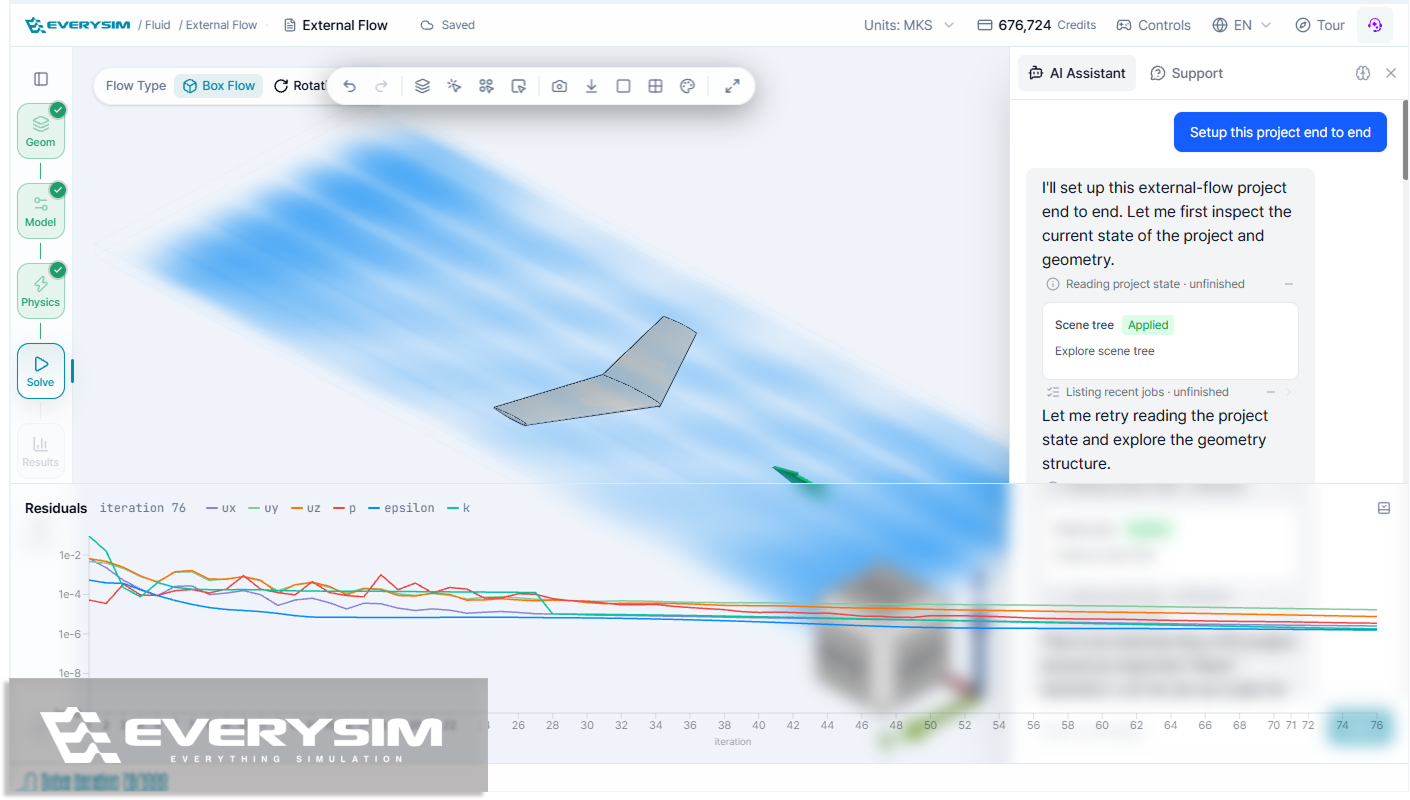
- The AI Assistant now supports structural analysis end to end — assigning materials, applying constraints and loads, running the simulation, and reading the results.
Fixed
- Fixed AI Assistant replies that could stall mid-answer or report a failure that never happened.
- Restored propeller simulations that would not proceed when the blade count was high.
A more interactive propeller axis setup
Propeller rotation axis setup was rebuilt around an interactive preview, so the detected axis and direction can be checked and adjusted in 3D rather than accepted blind. Individual solids can also be deleted straight from an assembly, and status messages explain what went wrong.
Show all 15 changesHide changes
Added
- Part-level CAD deletion for removing individual solids directly from assembly geometries.
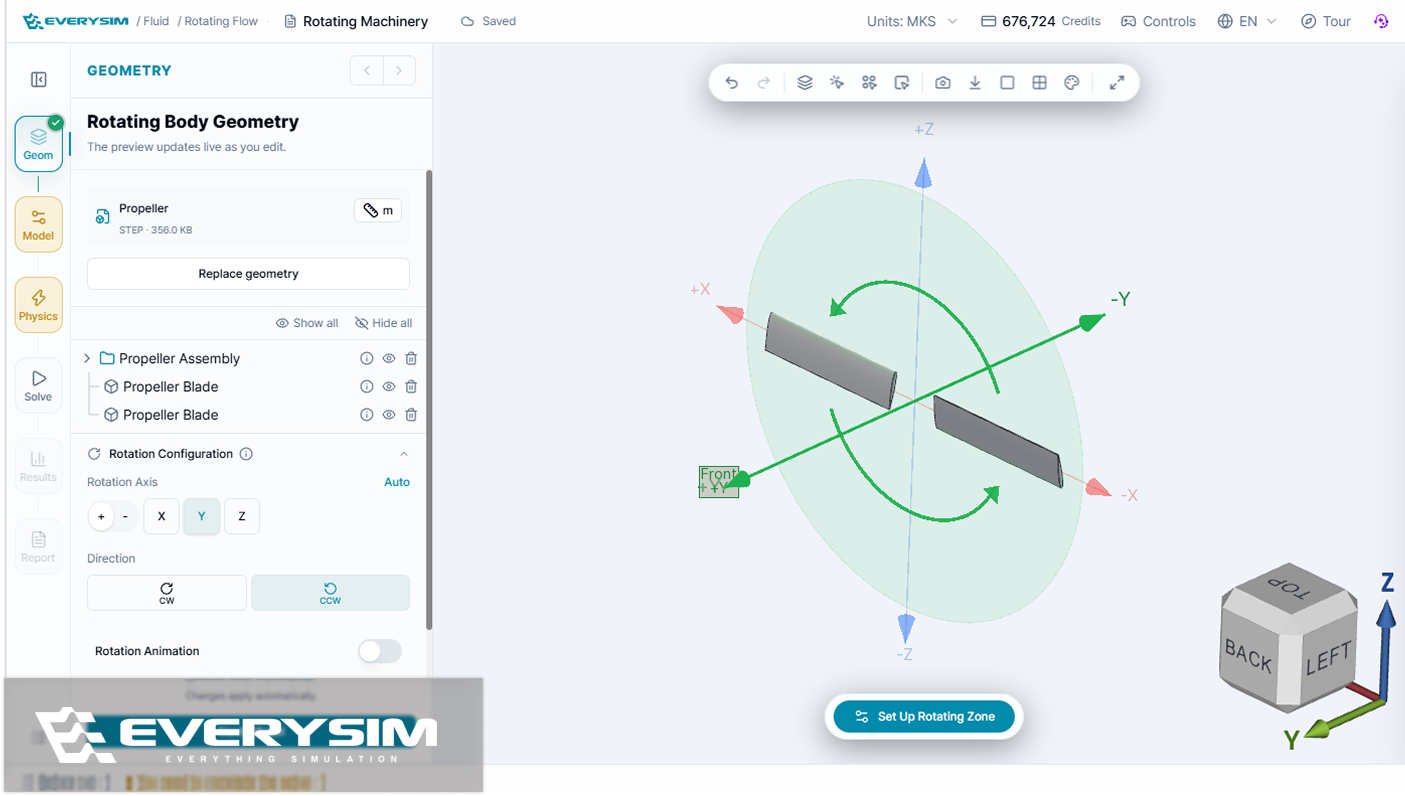
- A redesigned propeller axis control, which detects the rotation axis automatically and previews the axis and direction in 3D so it can be checked and adjusted directly, making setup more flexible and easier to get right.
- Multi-solid contact selection for the Contact A and Contact B groups in structural analysis.
- Enhanced simulation status messaging, including clearer warnings and more informative failure details.
- Glyph-based streamline visualization for clearer flow direction and velocity inspection.
Improved
- Streamlined the CAD import workflow for a smoother setup experience.
- Solid and face selection now works in wireframe mode for easier geometry interaction.
- Fluid-domain size constraints in Box Fluid mode support a more reliable setup.
- Refined the Vortex setup panel for clearer and more efficient configuration.
- Structural mesh quality reporting now displays the correct quality metrics.
- Refined structural-result scale factor handling for more consistent deformation visualization.
- Improved the AI Assistant's response-clearing behavior for better conversation control.
- Improved the overall Dashboard and Workbench UI/UX for clearer navigation and more efficient workflows.
Fixed
- Restored simulation submission in Wing mode.
- Improved camera fitting when loading simulation results so models are framed correctly.
A completely redesigned Workbench
The first 1.0 beta rebuilds the Workbench around the simulation workflow, lets a single project hold many simulations, and adds split viewport comparison for results.
Show all 13 changesHide changes
Added
- Multiple simulations in one project, so parameters and mesh conditions can be varied across cases without leaving the project.
- Transient Structural Analysis, expanding the available simulation workflows.
- Split Viewport, for comparing two results side by side.
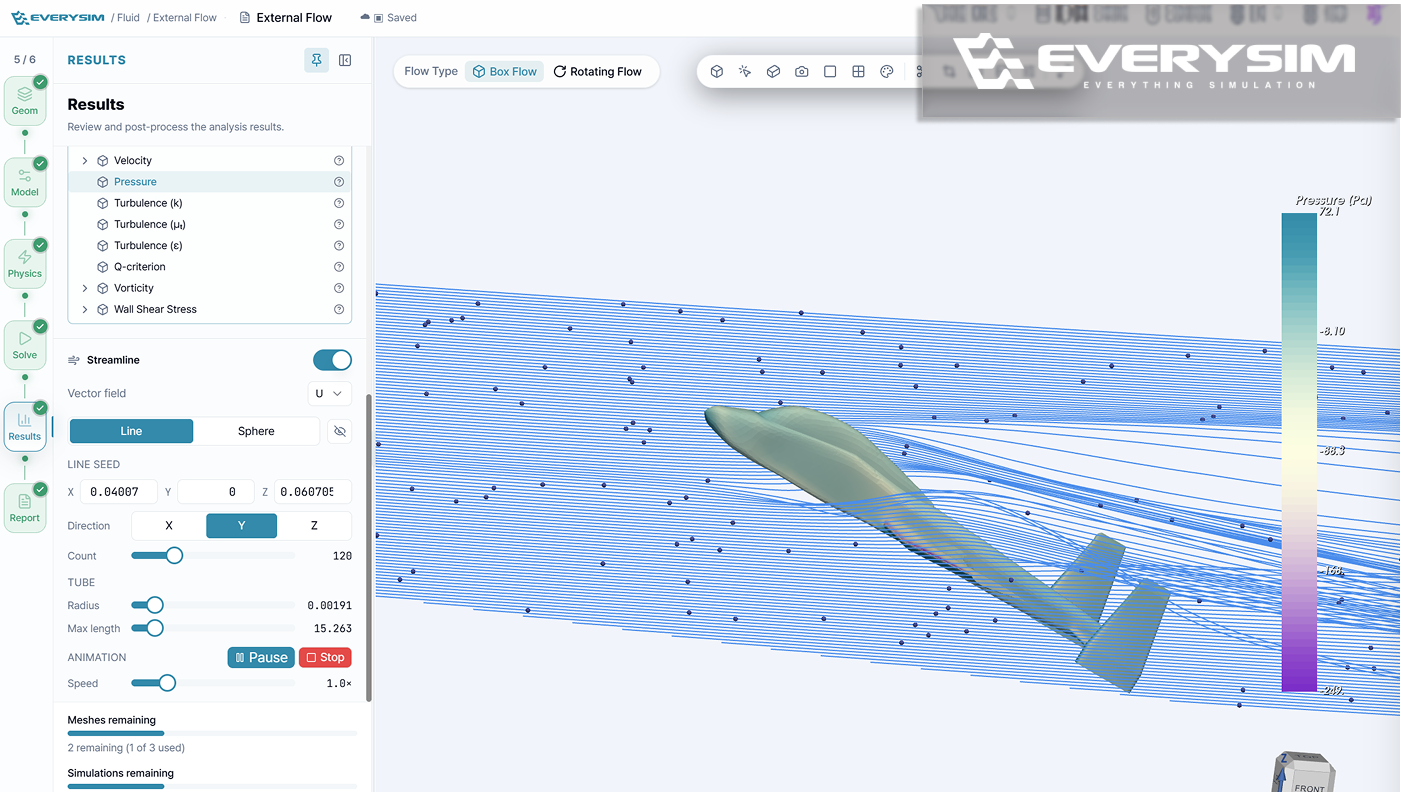
- Streamline animation and richer CFD result fields, for a more intuitive read of the flow.
- View capture, so the simulation view can be saved directly as an image.
Improved
- A completely redesigned Workbench, built around the simulation workflow with clearer setup steps, real-time status guidance, and faster access to the tools and information needed during setup and review.
- Simulation setup in 3D — fluid analysis conditions preview directly in the 3D view, propeller and wing geometry update in real time while being configured, and fluid domains and angle of attack can be inspected and adjusted there.
- Mesh reuse, so an existing mesh can be reused to cut repeated work and rerun a simulation sooner.
- Post-processing tools, including Color Map, Threshold, Warp, Cut, and Clip.
- Selection, material, boundary condition setup, and validation flows.
- Faster Workbench and project loading.
- Smoother navigation for complex 3D models and large result datasets.
- Shorter iteration time, through optimized result-data handling and mesh reuse.