v1.0.0Beta 3
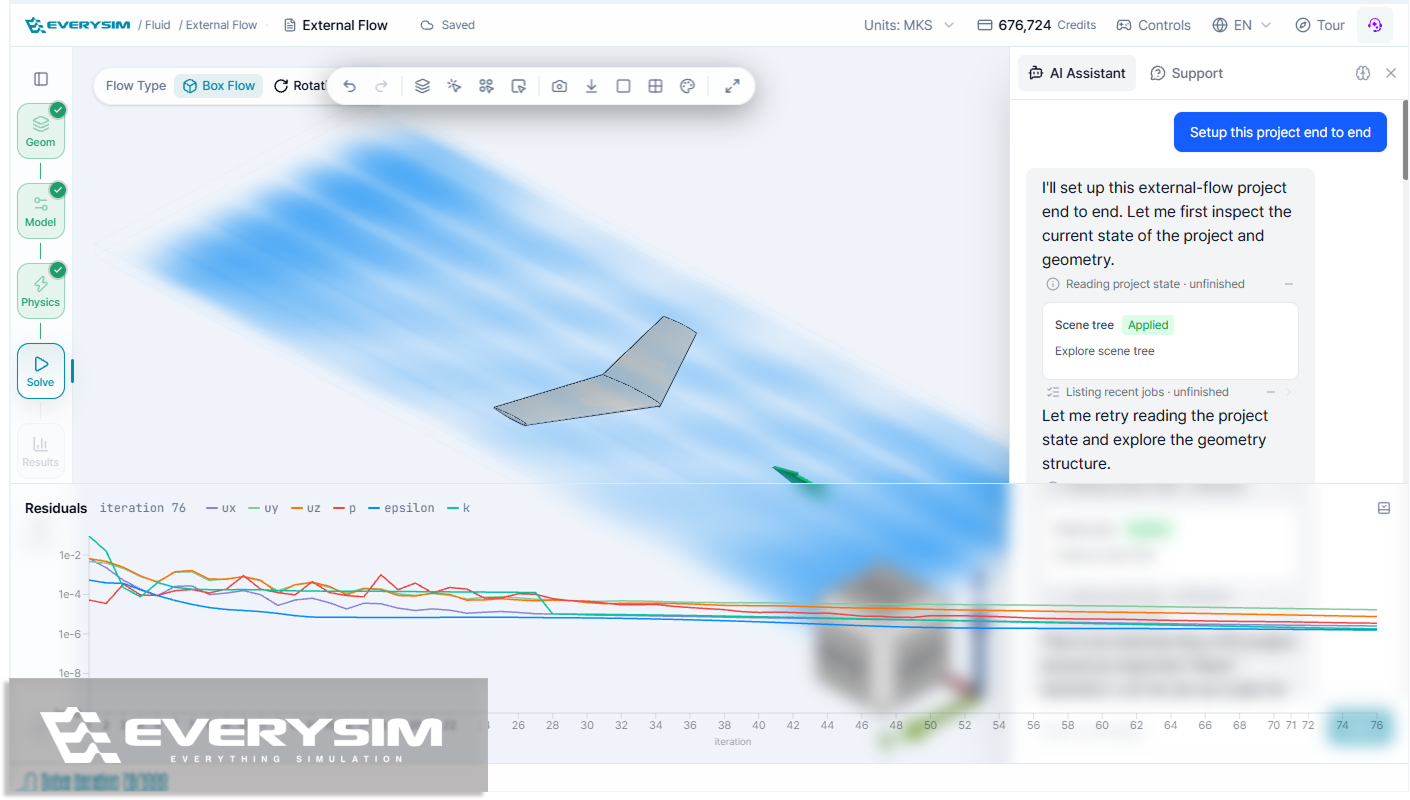
The Workbench gains undo and redo, box selection on the canvas, and an isosurface tool, and the AI Assistant can now carry a structural analysis from materials all the way to results.
Added
- Area selection on the canvas — drag a box to select multiple geometry parts at once, available next to Multiple selection in the selection mode menu.
- Isosurface tool for seeing where a result field reaches a given value, such as a specific pressure or velocity.
- Quick visualization presets that apply a ready-made post-processing combination for each simulation type in one click, and return to the previous view when clicked again.
- Undo and redo in the Workbench, so geometry edits, renames, and visibility changes can be stepped back with a keyboard shortcut or the header buttons.
- Pinning of Threshold results, which keeps them in the result tree with their own field, color map, range, and visibility even after the filter is changed or turned off.
- Touch interaction on the canvas, so models can be rotated, zoomed, and selected on mobile and tablet.
Improved
- A clearer geometry unit step when importing CAD, with STEP files showing the unit declared in the file and an override needed only when the imported size looks wrong.
- Better default streamline seed placement and size for a readable flow right away, plus a reset for the seed position.
- The AI Assistant now supports structural analysis end to end — assigning materials, applying constraints and loads, running the simulation, and reading the results.
Fixed
- Fixed AI Assistant replies that could stall mid-answer or report a failure that never happened.
- Restored propeller simulations that would not proceed when the blade count was high.