v1.0.0Beta 7
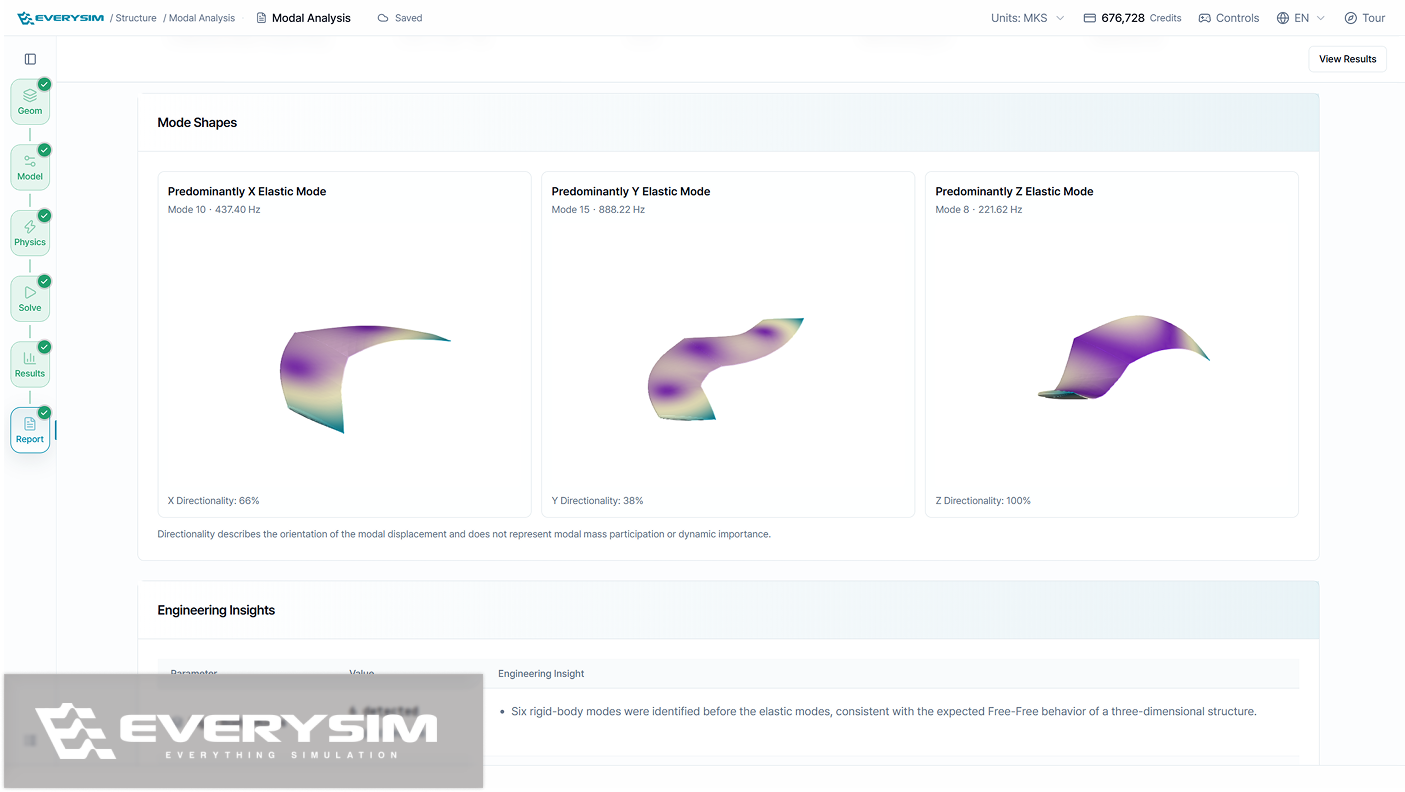
Modal Analysis now ends in a report, with every mode shape drawn on the model and the mass moving in each direction listed beside it. Structural setup gains displacement as a load and constraints that hold only the axes you choose.
Added
- A Modal Analysis report, showing each mode shape on the model along with how much mass moves in each direction.
- Displacement as a load in structural analysis, and constraints that hold only the axes you pick while leaving the rest free.
- Sweeping streamlines, which travel across the whole region instead of staying on the same lines.
- Propeller size entered as a number, with the unit you designed in kept as it is.
Improved
- Onboarding that runs on the real tutorials, showing how far you have come and letting you pick up from the dashboard where you left off.
- A range slider in the color map panel, for setting the value range you want to see.
- Fewer steps to start a Vortex simulation, with a simpler CAD upload screen.
- Reorganised view controls, making navigation and display options easier to find.
Fixed
- Fixed selection falling out of sync between the geometry tree and the 3D view, and added deletion by right-click in the tree.
- Fixed a stationary body made of several solids that would not mesh.
- Fixed the workbench freezing while meshing and solving progressed.
- Fixed blade surfaces that did not follow the section curves smoothly on a generated propeller.