v1.0.0Beta 4
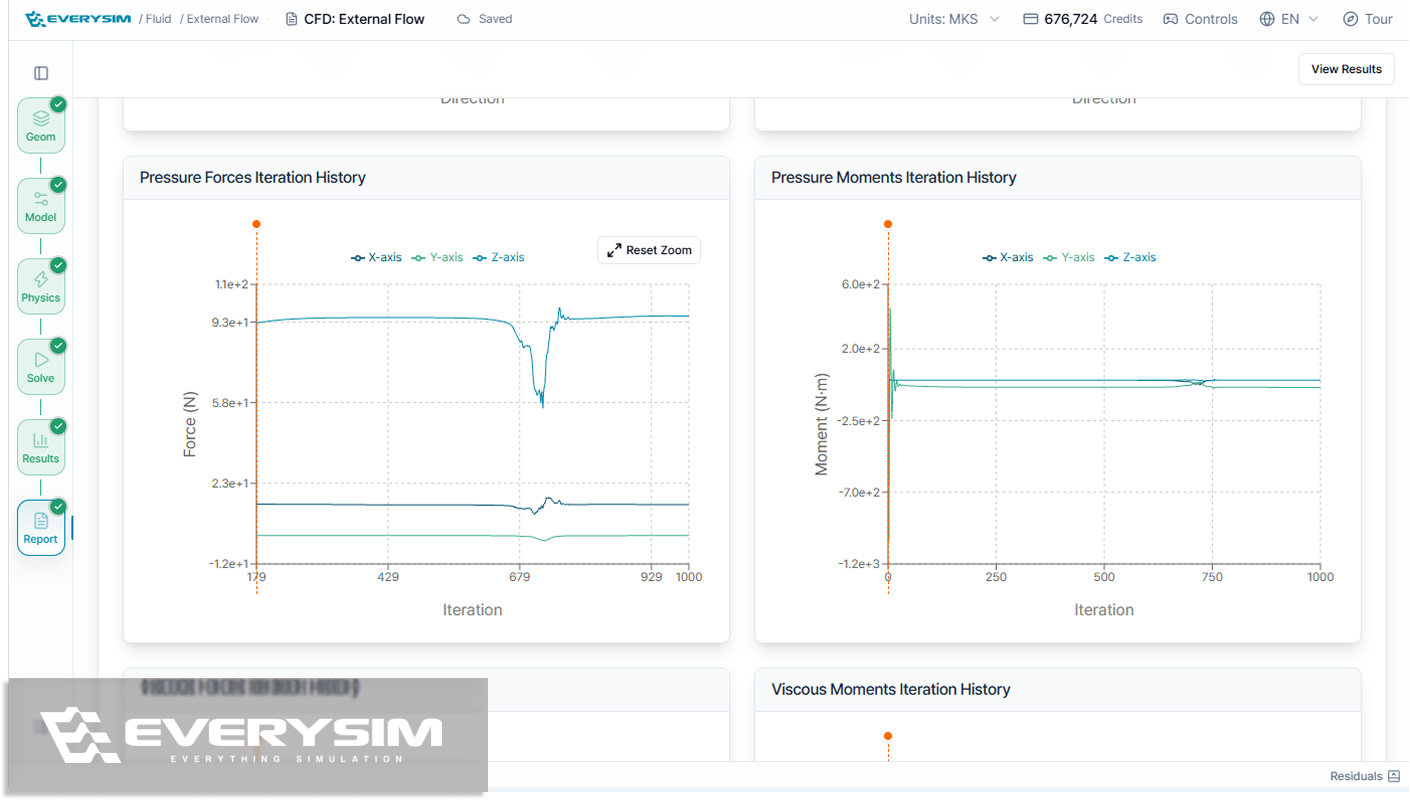
Report graphs are now interactive, so the range you care about can be set right on the graph instead of reading through a whole run. Post-processing tools also move into their own Viz Tools section, and credits spent on a run that went wrong can be claimed back from the support panel.
Added
- Credit restore, so credits spent on a run that went wrong can be asked back from the support panel, with the request's status pinned to the top of the thread until it is decided.
- Hiding of multiple faces at once, so several faces can be selected and taken out of the view in a single step.
- A geometry unit control in the Geometry panel, so an imported model's unit can be corrected after import without going back through the import step.
Improved
- A rebuilt customer support experience that now opens on a searchable FAQ, answering the most common questions on the spot and guiding anything left over to the right kind of request.
- Post-processing tools moved out of the general tool list into their own Viz Tools section, making visualization controls easier to find and switch between.
- Interactive report graphs, so the range you care about can be set directly on the graph instead of reading the whole run.
Performance
- Faster geometry upload and contact search, shortening the wait when importing large assemblies and finding contacts for structural analysis.
Fixed
- Fixed residuals that could stop appearing on the convergence chart.