v1.0.0
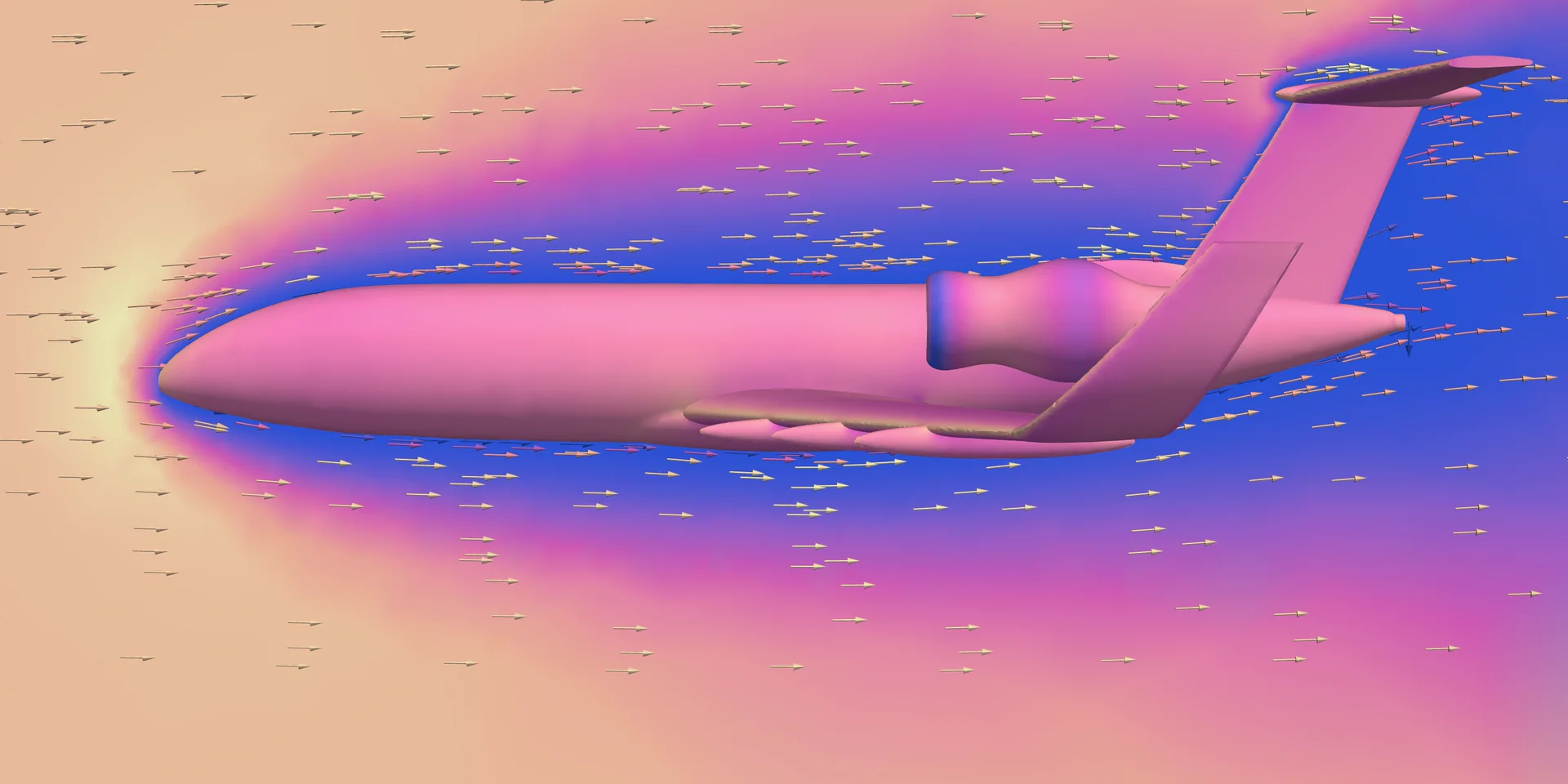
Simulation engineering just got easier, right inside your browser. Check out what's new in EverySim.
Added
- Added Batch Simulation to run one geometry across many conditions at once and see where its performance shifts.
- Added Simulation Comparison to run several simulations in one project and line up the results side by side.
- Added AI Reports that analyze your results and write them up with figures and graphs, ready to save as a PDF and share.
- Added Batch AI Reports to turn a whole batch into one report, so you can read the trend across conditions without writing it up yourself.
- Added the AI Assistant, so you can upload your geometry and set up the rest of the analysis in chat.
- Added the Ground preset, so vehicles and other models on a floor run on a moving floor with no extra setup.
- Added Propeller with Stationary Body to analyze how rotating flow affects nearby stationary geometry, such as the airframe.
- Added Geometry Cleanup to remove small regions that reduce analysis quality while preserving the shape.
- Added Surface Wrap to rebuild imperfect geometry as one clean outer surface, so you can mesh it without going back to your CAD tool.
- Added Canvas Settings to adjust rendering, so the model looks close to the real thing or is simply easier to view.
- Added Visualization Presets to apply a go-to combination of visualization tools in one click and reach a meaningful result view fast.
- Added step-by-step tutorials that highlight each control, so you learn the workbench while completing a real simulation.
Improved
- Improved Structure, Fluid and Rapid Aerodynamics, the three core simulation types, to match engineering standards for more dependable results.